Preview
Build your website and try everything before you go live.
$0free
Online store for services
Describe your service and Cornerrr builds the website: fixed-price packages customers pay for online, “price on request” services that send you a request, a page for your service area, and Stripe payments straight to your account.
Step by step
Anything you can price without seeing the job, like a two-hour session or a standard package, can be a product people pay for online. Jobs that vary go “price on request”.
Say what the customer ends up with, what’s included, how long it takes and what isn’t included. “One room, decluttered and labeled, about four hours” beats “Organizing session”.
Cornerrr has no calendar, so say plainly what happens after payment or a request, like “We email you within one working day to agree a date.” Then do exactly that.
For a quote you need the job, the location, a rough size and when they’d like it. Leave out sensitive details like health or financial information; ask for those later in a safer way if you need them.
Before-and-after photos, examples, qualifications and insurance where your trade expects them. People buying a service are buying trust in you, so put that proof next to your prices.
Put the towns or areas you cover on the home page, the contact page and your page titles. Most people searching for a service add their town or “near me”.
Ways to sell
Your services with prices, or “price on request” so clients ask first, and every request in your Inbox.
Built in
A service can be a product with a price, options like length or level, and a stock number if you only take so many jobs a month.
For “price on request” services, the price and cart button are hidden and customers send a request instead. It lands in your Inbox and your email, and you reply by email.
Regular services, like a monthly visit or a retainer, can be subscriptions billed by Stripe on the Growth plan.
Cornerrr drafts refund, terms and privacy pages from your answers as a starting point. They’re drafts, not legal advice, so read them and adjust them to your service.
Ready-made themes
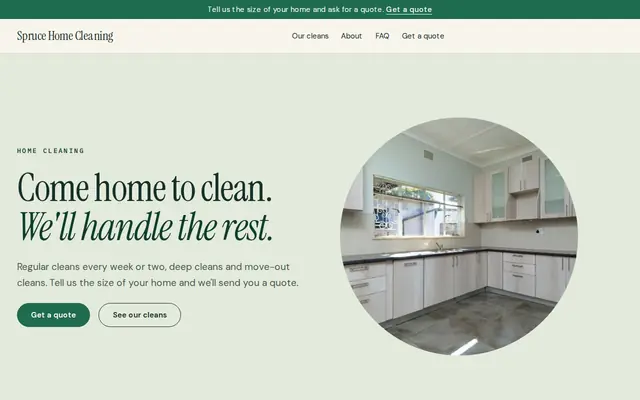
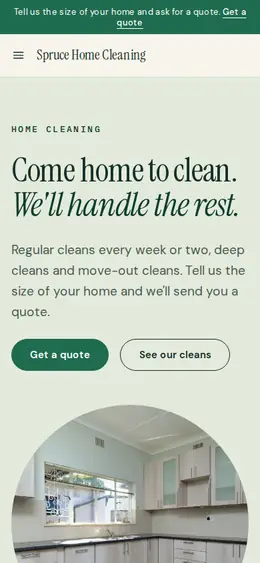
Made for Cleaners, Window cleaners, Home organisers
Fresh and tidy for cleaners and home services.
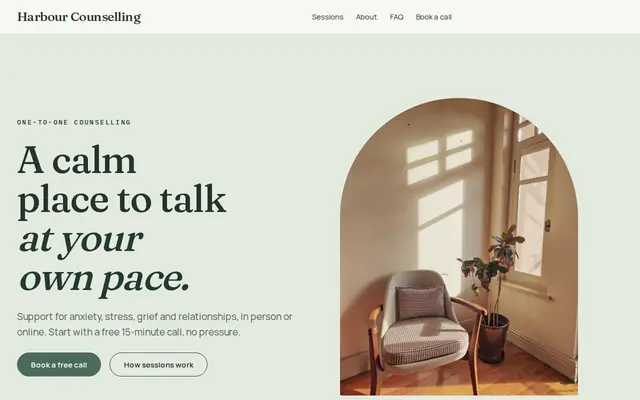
Made for Counsellors, Therapists, Life coaches
Soft and quiet for counsellors, coaches and therapists.
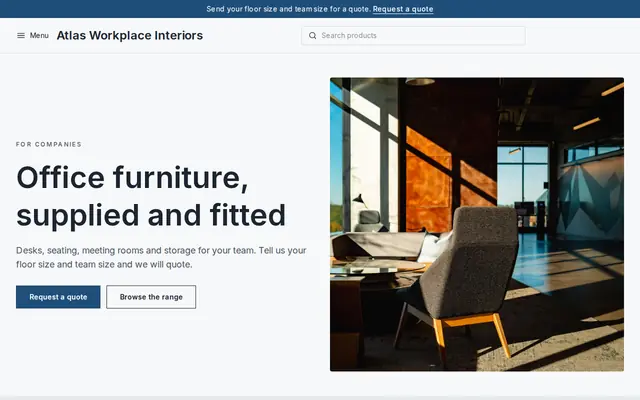
Made for Office suppliers, Fit-out companies, B2B services
Modern and confident for B2B services and fit-outs.
Before you start
Many US states don’t tax most services but do tax some, and in the UK and EU, VAT usually applies to services once you’re registered. Stripe Tax can work out tax at checkout once it’s active, but check how your service is treated.
In the UK and EU, consumers who buy services online usually have a 14-day right to cancel, with special rules when they ask you to start sooner. Write your refund policy with this in mind.
If your service needs a license, insurance or registration, show the details on the website. Health, legal and financial services also have advertising rules, so check your licensing body’s guidance.
General information to help you get started, not legal advice. Rules differ by country, state and product, so check the ones that apply to you.
How it works
A sentence or two is enough: what you do, who it’s for and how people buy from you.
Cornerrr writes your pages, adds your products or services, and picks the colours, fonts and look. It takes about a minute.
Link a Stripe account, or create one in a few minutes. Your customers pay you directly.
Publish on your free Cornerrr web address, or use your own. Change anything later by asking.
Payments
Payments go through your own Stripe account, straight to you. Your customers see the methods you turn on in Stripe that work for their country and currency.
Selling in Europe or the US? United States, United Kingdom, Germany, France, Netherlands, Ireland and every country we cover.
Pricing
Build and preview for free, no card needed. Every paid plan starts with a 14-day free trial, and Cornerrr adds no transaction fees.
Build your website and try everything before you go live.
$0free
Go live and start selling.
$19a month
Most popular
For growing businesses with subscriptions and deliveries.
$49a month
For several stores and bigger catalogues.
$99a month
Questions
Yes. A fixed-price package is a product they pay for at checkout, and you get an email with the order. Say on the page that you’ll be in touch to agree a date, and how quickly.
Not with a calendar. Cornerrr has no calendar or automatic booking: customers pay for a package or send a request, and you agree the time by email. Many small service businesses already work this way.
Mark it “price on request”. Customers describe the job through a short form, the request lands in your Inbox and your email, and you reply with a quote.
Yes. A stylist can sell hair products, a dog trainer can sell treats and leashes. Products, packages and request-only services live on the same website.
No. You describe your business in your own words and Cornerrr builds the website. Afterwards you change things by clicking, or by asking the assistant in plain words.
Building and previewing your website is free, with no card needed. To go live and take payments, choose a plan from $19 a month. Every paid plan starts with a 14-day free trial; a card is needed to start it.
Describe what you sell and see your shop in about a minute. It’s free until you go live.