Preview
Build your website and try everything before you go live.
$0free
Website builder for lawyers and attorneys
Describe your practice areas and where you’re licensed, and Cornerrr builds practice pages, attorney profiles and a short consultation request form. You check every word against your bar’s advertising rules before you go live.
What you get
Cornerrr writes every page from your description, then you change anything by clicking or by asking.
One page per area: who it’s for, how the process usually works and what to bring to a first meeting. Plain explanations help people who are often stressed and unsure where to start.
Each lawyer’s bar admissions, education, practice focus and a real photo. People choosing a lawyer want to know who they will actually talk to.
A short form with name, contact details, the practice area and the names you need for a conflict check. Each request lands in your Inbox for you to answer.
Professional services
Your services with prices, or “price on request” so clients ask first, and every request in your Inbox.
You choose the request form’s fields and the note above it, such as a line asking visitors not to send confidential details until you’ve spoken.
Add a disclaimer, an advertising label or a fee statement to the footer or any page, and edit it by clicking whenever your rules change.
Connect your firm’s domain on any paid plan, with the security certificate set up for you, so your web address matches the one on your letterhead.
Ready-made themes
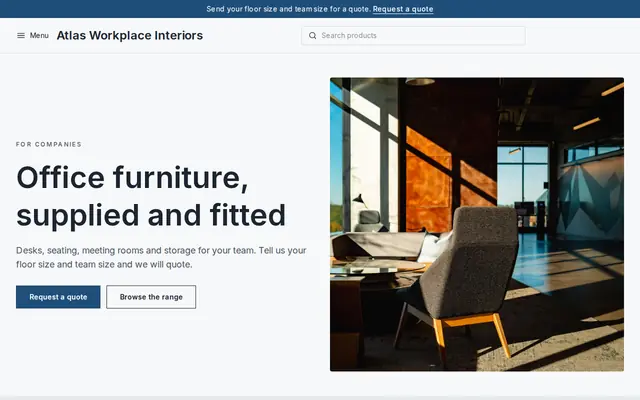
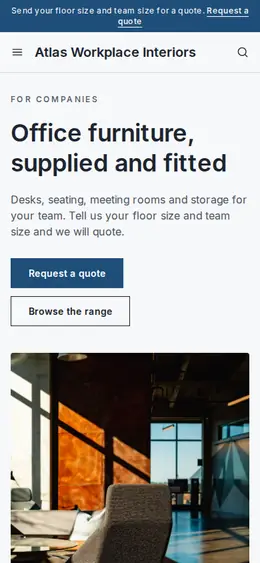
Made for Office suppliers, Fit-out companies, B2B services
Modern and confident for B2B services and fit-outs.
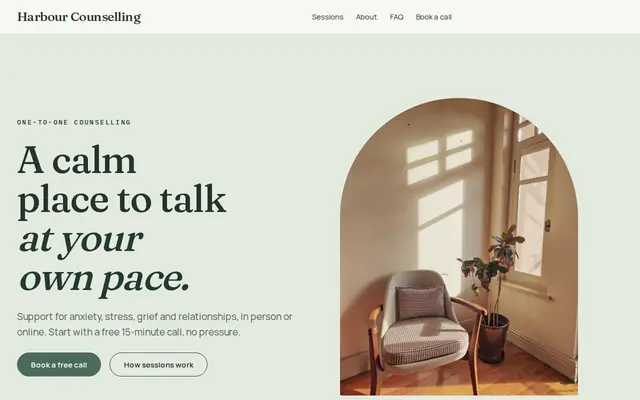
Made for Counsellors, Therapists, Life coaches
Soft and quiet for counsellors, coaches and therapists.
Advice
Whatever you build it with, these are the things that turn visitors into customers.
In the US, state rules based on ABA Model Rules 7.1 to 7.3 apply to lawyer websites: nothing false or misleading, care with past results, and in some states an “Attorney Advertising” label. Check your state bar’s rules before you publish.
A short note by the form saying that sending it doesn’t create an attorney-client relationship, and asking people not to include confidential details, protects both of you.
Name, contact details, the practice area and the other party’s name for a conflict check are enough. Detailed case facts belong in a conversation or your practice software’s secure intake.
Say for each area whether you bill hourly, a flat fee or, where your rules allow it, a contingency fee, and whether the first consultation is free.
People search “how long does a divorce take in Ohio” long before they search for a lawyer. A plain page answering the common questions for your state can bring them to you first.
In England and Wales, firms regulated by the SRA must show the SRA’s clickable badge and publish price and service information for some services, such as conveyancing and probate. Rules elsewhere in Europe differ, so check yours.
How it works
A sentence or two is enough: what you do, who it’s for and how people buy from you.
Cornerrr writes your pages, adds your products or services, and picks the colours, fonts and look. It takes about a minute.
Link a Stripe account, or create one in a few minutes. Your customers pay you directly.
Publish on your free Cornerrr web address, or use your own. Change anything later by asking.
Payments
Payments go through your own Stripe account, straight to you. Your customers see the methods you turn on in Stripe that work for their country and currency.
Selling in Europe or the US? United States, United Kingdom, Germany, France, Netherlands, Ireland and every country we cover.
Pricing
Build and preview for free, no card needed. Every paid plan starts with a 14-day free trial, and Cornerrr adds no transaction fees.
Build your website and try everything before you go live.
$0free
Go live and start selling.
$19a month
Most popular
For growing businesses with subscriptions and deliveries.
$49a month
For several stores and bigger catalogues.
$99a month
Questions
It depends on your state. Many bar rules allow accurate past results only with context or a disclaimer, and some restrict them further. Check your state bar’s advertising rules or ethics hotline before you add any.
A short contact form, yes; a detailed intake form, usually not. Ask for name, contact details and practice area, and collect the facts on a call or through your practice software’s secure intake.
Fixed-price services can be paid through your Stripe account, but many bar rules treat fees paid in advance as client money that belongs in a trust account. Check your rules first; many firms use a payment service built for law firm trust accounts.
Yes. You can add notices to the footer or any page and edit them by clicking, so your website carries whatever wording your state bar requires.
No. You describe your business in your own words and Cornerrr builds the website. Afterwards you change things by clicking, or by asking the assistant in plain words.
Building and previewing your website is free, with no card needed. To go live and take payments, choose a plan from $19 a month. Every paid plan starts with a 14-day free trial; a card is needed to start it.
Describe your business and see your website in about a minute. It’s free until you go live.