Preview
Build your website and try everything before you go live.
$0free
Website builder for accountants
Describe your firm, the clients you serve and the work you do, and Cornerrr builds service pages for businesses and individuals, a team page for your credentials, fixed-fee packages and a new-client inquiry form.
What you get
Cornerrr writes every page from your description, then you change anything by clicking or by asking.
Separate pages for businesses, individuals and any niche you know well, such as restaurants or contractors, each with the services and the questions that group has.
A personal tax return, an entity setup or a year-end review at a fixed fee, paid online through Stripe. Clients like knowing the price before the first meeting.
Monthly bookkeeping, payroll support or an advisory package billed by Stripe on the Growth plan. Clients see their plan in their account.
Prospects send their business type, size and what they need. Each inquiry lands in your Inbox, and you reply with next steps and your engagement letter.
Professional services
Your services with prices, or “price on request” so clients ask first, and every request in your Inbox.
Show each person’s qualifications and specialties, such as CPA, EA or chartered status, next to a real photo. Cornerrr builds the page; you add the people.
Clients paying a fixed fee get an invoice for the order, and businesses can enter their tax ID at checkout.
The AI drafts privacy and terms pages from your details. They’re drafts, not legal advice, so you review and adjust them before you publish.
Ready-made themes
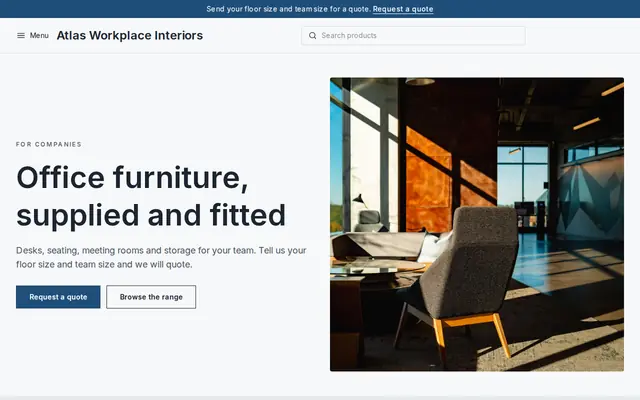
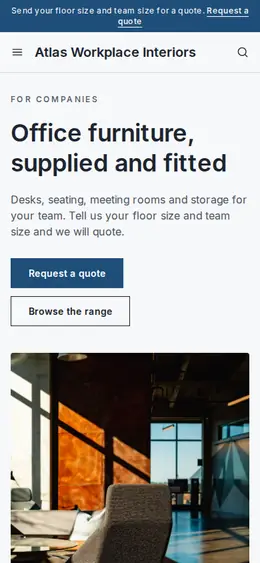
Made for Office suppliers, Fit-out companies, B2B services
Modern and confident for B2B services and fit-outs.
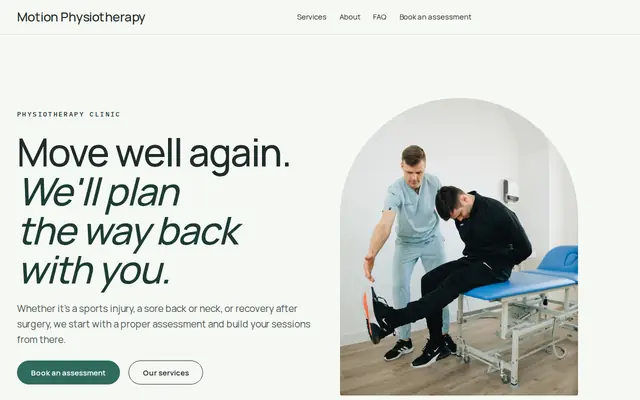
Made for Physiotherapists, Chiropractors, Massage therapists
Fresh and professional for therapists and health practices.
Advice
Whatever you build it with, these are the things that turn visitors into customers.
In the US, state boards of accountancy decide who can use the CPA title and how CPA firms may be named. In the UK and Ireland, “chartered accountant” belongs to members of bodies such as ICAEW, ICAS and Chartered Accountants Ireland.
Ask prospects for a name, contact details, their business type and a short question, never Social Security numbers, tax returns or bank details. Collect documents through a secure client portal.
Quarterly estimated taxes, filing season, year-end and payroll filings. A short deadlines page reminds clients to call you in time and gives them a reason to come back.
Firms that know one industry can say so in the headline. “Accounting for restaurants” is easier to choose than “full-service accounting”.
Is the first meeting free, and how are fees set after that? Prospects compare firms on this before they ever pick up the phone.
How it works
A sentence or two is enough: what you do, who it’s for and how people buy from you.
Cornerrr writes your pages, adds your products or services, and picks the colours, fonts and look. It takes about a minute.
Link a Stripe account, or create one in a few minutes. Your customers pay you directly.
Publish on your free Cornerrr web address, or use your own. Change anything later by asking.
Payments
Payments go through your own Stripe account, straight to you. Your customers see the methods you turn on in Stripe that work for their country and currency.
Selling in Europe or the US? United States, United Kingdom, Germany, France, Netherlands, Ireland and every country we cover.
Pricing
Build and preview for free, no card needed. Every paid plan starts with a 14-day free trial, and Cornerrr adds no transaction fees.
Build your website and try everything before you go live.
$0free
Go live and start selling.
$19a month
Most popular
For growing businesses with subscriptions and deliveries.
$49a month
For several stores and bigger catalogues.
$99a month
Questions
Keep documents in a secure client portal or your practice software. Cornerrr’s forms are for first inquiries, not files or tax details, but your website can link clients straight to your portal.
Yes. Each fixed-fee service is a product clients pay for through your Stripe account by card, wallet or the bank methods you turn on. More complex work can be “price on request”.
It helps when posts answer what your clients actually search, such as what changes for small businesses this tax year or how quarterly estimates work. On Cornerrr the blog is on the Growth plan.
No. You describe your business in your own words and Cornerrr builds the website. Afterwards you change things by clicking, or by asking the assistant in plain words.
Building and previewing your website is free, with no card needed. To go live and take payments, choose a plan from $19 a month. Every paid plan starts with a 14-day free trial; a card is needed to start it.
Describe your business and see your website in about a minute. It’s free until you go live.