Preview
Build your website and try everything before you go live.
$0free
Online store for stock photos
Cornerrr builds a photo shop around your work: collections by theme, watermarked previews, full-resolution files delivered after payment and kept in each buyer’s account, and requests for custom shoots in your Inbox. You set the license and the price.
Step by step
Generic office shots compete with millions of others; regional food, a specific trade, real people over fifty or a city’s neighborhoods are harder to find. A tight niche brings the same buyers back.
Commercial use of a recognizable person usually needs a signed model release, and some private places and artworks need a property release. Without one, label the photo editorial use only. Rules differ by country.
Use smaller, watermarked versions as product photos and attach the full-resolution JPG (or TIFF, if buyers ask) as the download. The full file never sits on a public page.
Say what’s in the picture, where and the mood: “flat lay of sourdough on linen, top view”. Cornerrr writes alt text and tags from each photo, which you can edit.
Bloggers and brands who want a consistent look buy whole shoots. Make each pack a product with every file in one ZIP, priced below buying the images one by one.
Brands that like your style often want their own product in it. Mark custom shoots “price on request” so the brief lands in your Inbox and you quote by email.
Digital products
Products with photos, options, prices and stock, a cart and a Stripe checkout.
Built in
Offer standard and extended licenses as options of each photo or pack, with their own prices. Both deliver the same file, so the license text is what makes the difference.
Files are stored privately and handed only to buyers with a paid order, who download them from their account after signing in with a code sent to their email.
Business buyers can add their VAT or tax ID at checkout, and one-time orders come with invoices their accounts team will ask for.
Ready-made themes
Made for Photographers, Videographers, Event planners
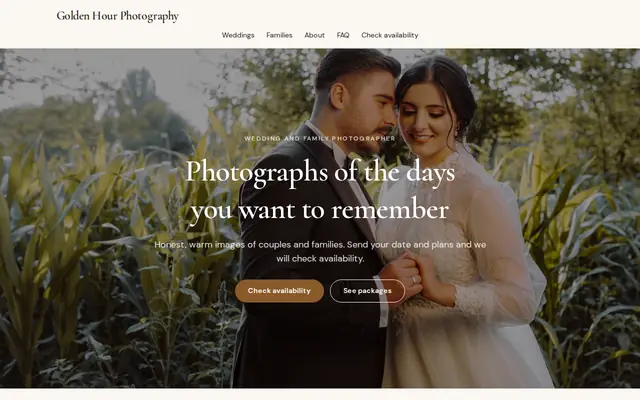
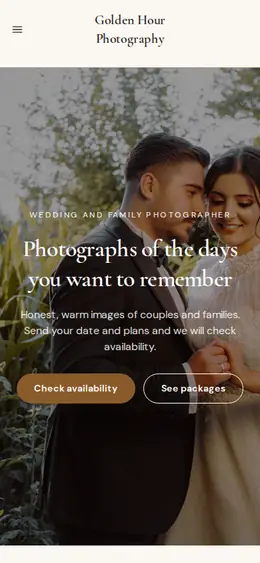
Editorial and airy for photographers and creatives who take bookings.

Before you start
Cover where a photo may be used (web, print, ads), whether it may appear on products for sale, any print run limit, and that it may not be resold as a photo. Put it on its own page and name it on each product.
If you also sell through a stock agency, check whether it requires exclusivity for the images you upload there before you sell the same ones on your own website.
General information to help you get started, not legal advice. Rules differ by country, state and product, so check the ones that apply to you.
How it works
A sentence or two is enough: what you do, who it’s for and how people buy from you.
Cornerrr writes your pages, adds your products or services, and picks the colours, fonts and look. It takes about a minute.
Link a Stripe account, or create one in a few minutes. Your customers pay you directly.
Publish on your free Cornerrr web address, or use your own. Change anything later by asking.
Payments
Payments go through your own Stripe account, straight to you. Your customers see the methods you turn on in Stripe that work for their country and currency.
Selling in Europe or the US? United States, United Kingdom, Germany, France, Netherlands, Ireland and every country we cover.
Pricing
Build and preview for free, no card needed. Every paid plan starts with a 14-day free trial, and Cornerrr adds no transaction fees.
Build your website and try everything before you go live.
$0free
Go live and start selling.
$19a month
Most popular
For growing businesses with subscriptions and deliveries.
$49a month
For several stores and bigger catalogues.
$99a month
Questions
Yes. You set the price and the license, and buyers pay into your own Stripe account. Agencies bring traffic, your own website brings repeat buyers and custom work, so many photographers use both.
A common setup is a standard license for websites, social media and limited print, and an extended one for products for sale and large print runs. Write what each covers, and ask a lawyer to review it if the stakes are high.
For commercial use of a recognizable person, generally yes. Without a release, sell the photo for editorial use only, and check the rules in the country where you took it.
After payment, the order email points them to the photo, where they sign in with a code sent to their email and download the file. It stays in their account if they need it again.
No. You describe your business in your own words and Cornerrr builds the website. Afterwards you change things by clicking, or by asking the assistant in plain words.
Building and previewing your website is free, with no card needed. To go live and take payments, choose a plan from $19 a month. Every paid plan starts with a 14-day free trial; a card is needed to start it.
Describe what you sell and see your shop in about a minute. It’s free until you go live.