Preview
Build your website and try everything before you go live.
$0free
Website builder for event venues
Describe your venue and Cornerrr builds an event venue website with each space’s capacity and layouts, floor plans, catering and AV details, and a request form that collects the date, headcount and type of event.
What you get
Cornerrr writes every page from your description, then you change anything by clicking or by asking.
Main hall, terrace, meeting rooms: each as a price on request listing with photos, capacity by layout, size and what’s built in, so planners ask about the right room.
Date, start and finish, headcount, type of event, layout, catering and AV, sent through your form. Requests land in your Inbox for you to quote by email.
Meeting days, product launches and holiday parties as packages on request, each with what’s included, so planners can compare them at a glance.
If you run your own nights, like a supper club or a holiday market, sell tickets as products with a set number of places. Checkout stops when they’re gone.
Travel and hospitality
Your services with prices, or “price on request” so clients ask first, and every request in your Inbox.
Theater, classroom, banquet and standing numbers for each space in a simple list. Cornerrr lays it out from your notes, and you upload floor plans as images.
Business buyers can add their tax ID at checkout, and one-time orders such as tickets come with an invoice, which company finance teams ask for.
Ask the assistant for a page per event type, such as corporate meetings or private parties, each with its own photos and words, so planners land on the one that matches their search.
Tickets and fixed-price extras are paid through your own Stripe account by card, wallet or bank payment where Stripe supports it, and Cornerrr adds no transaction fee.
Ready-made themes
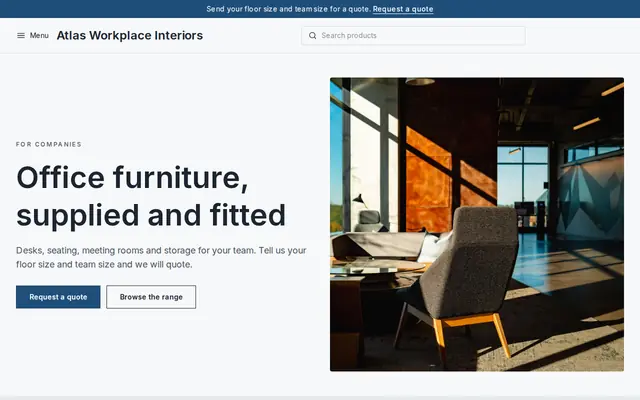
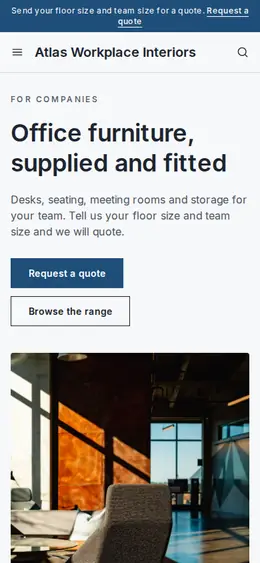
Made for Office suppliers, Fit-out companies, B2B services
Modern and confident for B2B services and fit-outs.
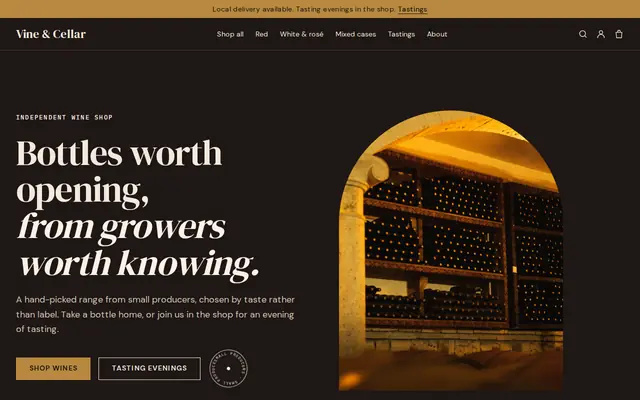
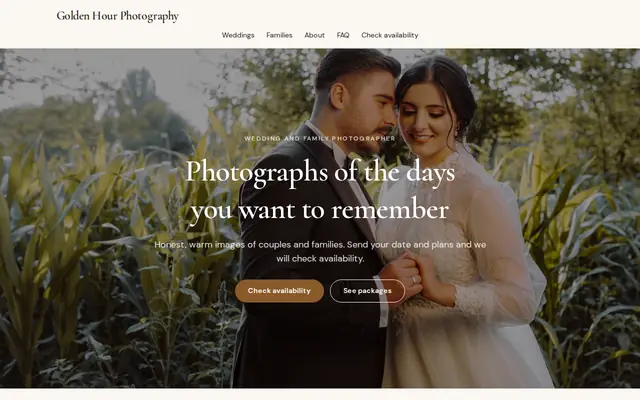
Made for Photographers, Videographers, Event planners
Editorial and airy for photographers and creatives who take bookings.
Advice
Whatever you build it with, these are the things that turn visitors into customers.
Planners shortlist by headcount, neighborhood and transport first. Put your largest capacity, the address, and parking or transit lines on the home page.
A floor plan with room sizes, ceiling height, power points and load-in doors saves planners a site visit for the first round of questions.
Catering, bar, AV, furniture, security: say which you provide, which are required and whether outside vendors are allowed. This often decides a booking more than the photos do.
Finish time, noise limits, decorations, open flames and the insurance you require. Say them plainly so there are no surprises on the night.
Empty rooms look small and cold. Show the same space set for a meeting, a dinner and a party, with permission from the clients who held them.
How it works
A sentence or two is enough: what you do, who it’s for and how people buy from you.
Cornerrr writes your pages, adds your products or services, and picks the colours, fonts and look. It takes about a minute.
Link a Stripe account, or create one in a few minutes. Your customers pay you directly.
Publish on your free Cornerrr web address, or use your own. Change anything later by asking.
Payments
Payments go through your own Stripe account, straight to you. Your customers see the methods you turn on in Stripe that work for their country and currency.
Selling in Europe or the US? United States, United Kingdom, Germany, France, Netherlands, Ireland and every country we cover.
Pricing
Build and preview for free, no card needed. Every paid plan starts with a 14-day free trial, and Cornerrr adds no transaction fees.
Build your website and try everything before you go live.
$0free
Go live and start selling.
$19a month
Most popular
For growing businesses with subscriptions and deliveries.
$49a month
For several stores and bigger catalogues.
$99a month
Questions
They send dates through your request form and you reply by email with what’s open. Cornerrr has no availability calendar, so the final say on every date stays with you.
Each space with photos, capacity by layout and floor plans, what’s in-house, your rules, location and parking, and a quote request form. Cornerrr builds those pages from your description, and you edit them by clicking.
For orders paid on your website, yes: one-time orders come with an invoice, and buyers can add their company tax ID at checkout. For quoted events, you invoice as you do today.
Yes. List the event as a product with a set number of places as stock, and checkout stops when it sells out. Buyers get an order confirmation email.
No. You describe your business in your own words and Cornerrr builds the website. Afterwards you change things by clicking, or by asking the assistant in plain words.
Building and previewing your website is free, with no card needed. To go live and take payments, choose a plan from $19 a month. Every paid plan starts with a 14-day free trial; a card is needed to start it.
Describe your business and see your website in about a minute. It’s free until you go live.