Preview
Build your website and try everything before you go live.
$0free
Online store for watches
Cornerrr builds a watch shop from your description: each model with its specs laid out, dial and strap options with stock for each, limited editions with a fixed stock, pre-owned pieces as one-of-one listings and a Stripe checkout with pay later where Stripe supports it.
Step by step
Case diameter, lug-to-lug, thickness, lug width, movement, crystal, water resistance and warranty, in the same order on every model. Watch buyers compare on exactly these numbers, often with two pages open side by side.
One model with dial colors and strap choices as options, each with its own price and stock. Extra straps can also be products of their own, sorted by lug width.
Show the dial straight on, the case side, the caseback, the clasp and the watch on a wrist, with the wrist size noted. Add one photo that shows the lume or the dial texture.
Set the stock to the edition size and let checkout stop when it’s gone. Announce the release date on your home page weeks ahead, and collect sign-ups from people who want to hear when it opens.
Each pre-owned watch is its own product with a stock of one. Say what’s included (box, papers, extra links) and the service history, and photograph every mark on the case and bracelet.
Say what the warranty covers, for how long, and where watches are serviced. A clear service page reassures buyers who are spending more than they usually do online.
Clothing and accessories
Products with photos, options, prices and stock, a cart and a Stripe checkout.
Built in
Ask the assistant to lay out case size, movement and water resistance in the same order on every model, or to add a missing lug width line to all of them at once.
Set a model’s stock to its edition size. Stock goes down as orders are paid, and checkout stops when the edition sells out.
Klarna, Affirm and Afterpay/Clearpay can appear at checkout when you turn them on in Stripe and they’re available for your country and currency. The provider pays you in full.
Repairs, servicing and caseback engraving work as requests with the price hidden. Each one lands in your Inbox, and you answer by email with a quote.
Ready-made themes
Made for Jewellers, Watchmakers, Luxury goods
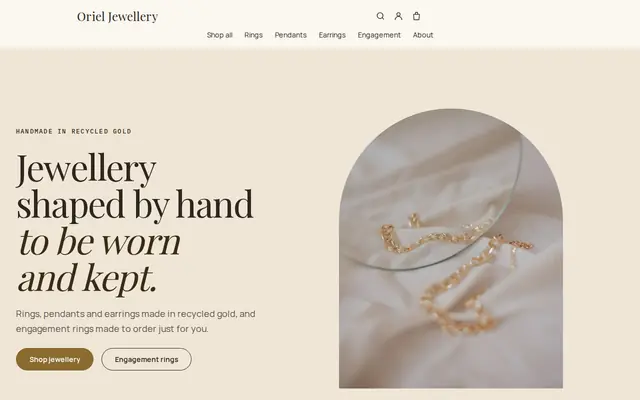
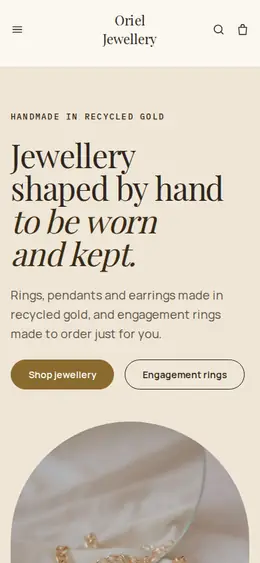
Refined and luxurious for jewellery and premium goods.
Before you start
A rating in meters comes from a pressure test, not a diving depth. Explain what each rating means for daily wear, showering and swimming, and say that seals should be checked whenever a watch is serviced.
Labels like Swiss made have legal criteria about where the movement is made and where much of the cost arises. Use origin words only when your supplier’s paperwork supports them.
Quartz watches ship with a small battery inside. Postal services and carriers generally accept batteries installed in a watch but have rules, especially for air and international mail, so check yours.
General information to help you get started, not legal advice. Rules differ by country, state and product, so check the ones that apply to you.
How it works
A sentence or two is enough: what you do, who it’s for and how people buy from you.
Cornerrr writes your pages, adds your products or services, and picks the colours, fonts and look. It takes about a minute.
Link a Stripe account, or create one in a few minutes. Your customers pay you directly.
Publish on your free Cornerrr web address, or use your own. Change anything later by asking.
Payments
Payments go through your own Stripe account, straight to you. Your customers see the methods you turn on in Stripe that work for their country and currency.
Selling in Europe or the US? United States, United Kingdom, Germany, France, Netherlands, Ireland and every country we cover.
Pricing
Build and preview for free, no card needed. Every paid plan starts with a 14-day free trial, and Cornerrr adds no transaction fees.
Build your website and try everything before you go live.
$0free
Go live and start selling.
$19a month
Most popular
For growing businesses with subscriptions and deliveries.
$49a month
For several stores and bigger catalogues.
$99a month
Questions
Yes. List each watch as its own product with a stock of one, with its reference, year, what’s included and its service history. On Cornerrr, once it’s paid for, stock drops to zero and checkout stops.
Announce the date, the edition size and the price ahead of time, open the product on the day with its stock set to the edition size, and let checkout stop when it sells out. Newsletter sign-ups collected on your site give you a list to tell.
You can turn on “sell when out of stock” and give the delivery month clearly; customers pay in full at checkout. Taking money long before delivery carries risk, so be honest about dates and check your local consumer rules on delays and refunds.
Use a tracked, insured service with a signature, and check each carrier’s limits for watches and jewelry, which are often lower than for other goods. Set a fixed rate that covers it, and add the tracking number so the buyer gets a tracking link.
No. You describe your business in your own words and Cornerrr builds the website. Afterwards you change things by clicking, or by asking the assistant in plain words.
Building and previewing your website is free, with no card needed. To go live and take payments, choose a plan from $19 a month. Every paid plan starts with a 14-day free trial; a card is needed to start it.
Describe what you sell and see your shop in about a minute. It’s free until you go live.