Preview
Build your website and try everything before you go live.
$0free
Website builder for clothing boutiques
Tell Cornerrr what your boutique stocks and who shops there, and it builds a boutique website with collections, sizes and colors that keep their own stock, a size guide, styling requests and a Stripe checkout.
What you get
Cornerrr writes every page from your description, then you change anything by clicking or by asking.
Each style is one product, with sizes and colors as options and stock for every combination. When the last medium goes, checkout stops for that size while the others stay on sale.
A New arrivals collection at the top of the home page, refreshed each time a delivery comes in. Regulars learn to check it, and the assistant can write the descriptions in your voice.
Personal styling, wardrobe edits or a private shopping evening, listed with the price hidden. Customers send the occasion and the days that suit them, and you confirm by email.
Bags, scarves and jewelry as their own collection. Mention them in the description of the dresses they go with, so someone buying one piece sees what else works with it.
Shops and makers
Products with photos, options, prices and stock, a cart and a Stripe checkout.
Cornerrr drafts returns, shipping and privacy pages from your answers. They’re drafts, not legal advice, so read them against the rules where you sell before you publish.
Create a code for free shipping above an amount you choose, or a percentage off for people who join your newsletter list, with an end date and a once-per-customer limit.
Customers sign in with a code sent to their email to see past orders and saved addresses, which helps the regulars who buy from you every season.
Upload a photo of a new piece and Cornerrr drafts the title, description, alt text and tags. You add the fabric, the fit and the care details from the label.
Ready-made themes
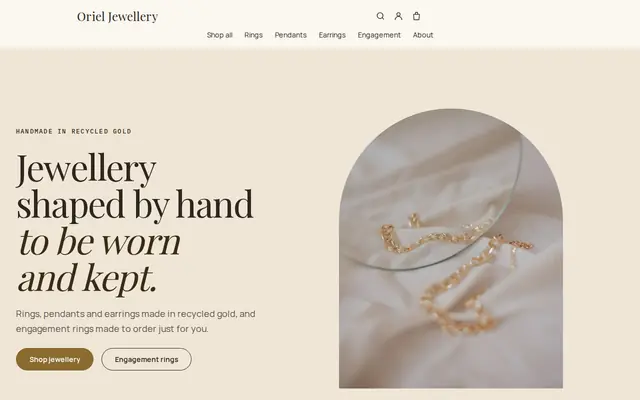
Made for Jewellers, Watchmakers, Luxury goods
Refined and luxurious for jewellery and premium goods.
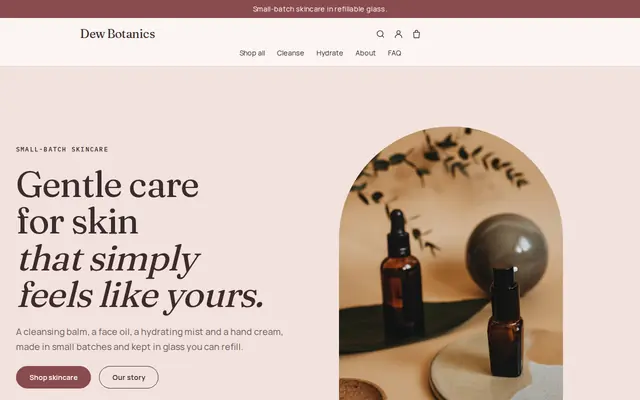
Made for Skincare, Bath and body, Natural beauty
Soft and minimal for skincare, candles and self-care brands.
Advice
Whatever you build it with, these are the things that turn visitors into customers.
Sizes differ between labels and countries. Add bust, waist, hip and length for each piece, and say what size the model wears and how tall she is, so people can compare with clothes they own.
Same wall, same light, same angles: front, back, a close-up of the fabric and one worn. A consistent grid makes a small boutique look considered rather than thrown together.
In the EU and UK, online shoppers can usually cancel within 14 days of delivery, and in the US most shops set their own window. Put the window, who pays return shipping and how refunds work on one page.
Add a newsletter sign-up to your home page and export the list to the email tool you already use. A short note on the day a delivery arrives brings back people who bought before.
Many boutique customers browse online and then visit, or the other way round. Put your address, opening hours and a photo of the shopfront on your Visit us page.
How it works
A sentence or two is enough: what you do, who it’s for and how people buy from you.
Cornerrr writes your pages, adds your products or services, and picks the colours, fonts and look. It takes about a minute.
Link a Stripe account, or create one in a few minutes. Your customers pay you directly.
Publish on your free Cornerrr web address, or use your own. Change anything later by asking.
Payments
Payments go through your own Stripe account, straight to you. Your customers see the methods you turn on in Stripe that work for their country and currency.
Selling in Europe or the US? United States, United Kingdom, Germany, France, Netherlands, Ireland and every country we cover.
Pricing
Build and preview for free, no card needed. Every paid plan starts with a 14-day free trial, and Cornerrr adds no transaction fees.
Build your website and try everything before you go live.
$0free
Go live and start selling.
$19a month
Most popular
For growing businesses with subscriptions and deliveries.
$49a month
For several stores and bigger catalogues.
$99a month
Questions
Add size and color as options on the product. Each combination keeps its own stock count, so a sold-out small in black doesn’t stop anyone buying the medium in navy.
Yes, but your website’s stock count is separate from your register, so adjust it when something sells in the shop. If that’s hard to keep up with, put only part of your stock online.
Yes. List styling sessions as “price on request”: customers send the occasion, their sizes and the days that suit them, the request lands in your Inbox and by email, and you reply to confirm a time.
Each store has one main currency. On the Pro plan you can add prices in other currencies, each shown on its own web address, which suits a boutique with regular customers in another country.
No. You describe your business in your own words and Cornerrr builds the website. Afterwards you change things by clicking, or by asking the assistant in plain words.
Building and previewing your website is free, with no card needed. To go live and take payments, choose a plan from $19 a month. Every paid plan starts with a 14-day free trial; a card is needed to start it.
Describe your business and see your website in about a minute. It’s free until you go live.