Preview
Build your website and try everything before you go live.
$0free
Website builder for architects
Describe the buildings you design and who for, and Cornerrr builds project pages with image galleries, a page on how you work from first meeting to completion, and an inquiry form that asks about the site, budget and timing.
What you get
Cornerrr writes every page from your description, then you change anything by clicking or by asking.
Each project gets a page with photographs, a plan or a sketch, the brief and what changed for the people who live there. Clients picture their own home through yours.
Feasibility, concept design, planning or permit drawings, technical design and site visits: explain each stage and which you offer, so clients know what they’re asking for.
The form asks for the address or town, the kind of project, a budget range and when they hope to build. Each inquiry lands in your Inbox.
An initial site visit or a feasibility study at a fixed price, paid online, before you write a full fee proposal.
Professional services
What you offer without a price, and quote requests with the quantities and details you need.
Image galleries on every project page, with alt text the AI writes for each photo, naming the rooms and materials so search engines know what they show.
Give the assistant a few notes about a project and it suggests a description for the page. You edit it until it sounds like your studio.
On the Growth plan, explain planning permission, permitted development or what an extension really involves. Homeowners search these questions before they look for an architect.
Ready-made themes
Made for Office suppliers, Fit-out companies, B2B services
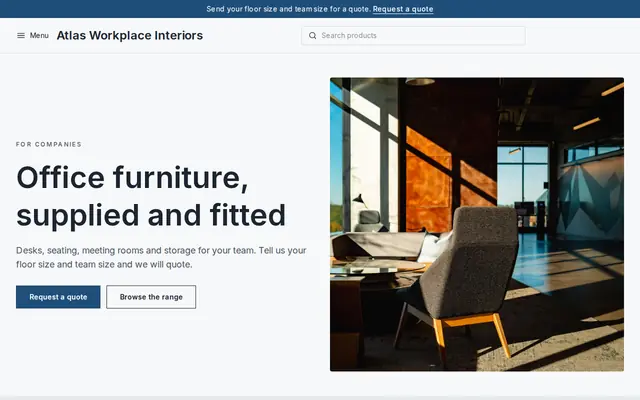
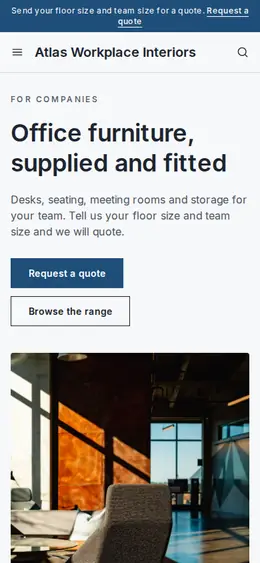
Modern and confident for B2B services and fit-outs.
Advice
Whatever you build it with, these are the things that turn visitors into customers.
In the UK the title is protected and needs ARB registration. In the US only licensed architects can call themselves architects, and states have rules on firm names. Designers without a license should check what their state lets them say.
Finished, photographed buildings convince clients more than renders. Put your best completed project first, and label renders and unbuilt schemes as such.
Say whether you charge a share of construction cost, a fixed fee per stage or by the hour, and what’s included. Homeowners hiring an architect for the first time rarely know.
A budget range on the inquiry form saves a wasted visit when hopes and money don’t match, and it lets you suggest the right scope in your first reply.
Name the photographer, the contractor and the engineers on each project. It’s fair, collaborators share the page, and it shows clients you work well with a team.
How it works
A sentence or two is enough: what you do, who it’s for and how people buy from you.
Cornerrr writes your pages, adds your products or services, and picks the colours, fonts and look. It takes about a minute.
Link a Stripe account, or create one in a few minutes. Your customers pay you directly.
Publish on your free Cornerrr web address, or use your own. Change anything later by asking.
Payments
Payments go through your own Stripe account, straight to you. Your customers see the methods you turn on in Stripe that work for their country and currency.
Selling in Europe or the US? United States, United Kingdom, Germany, France, Netherlands, Ireland and every country we cover.
Pricing
Build and preview for free, no card needed. Every paid plan starts with a 14-day free trial, and Cornerrr adds no transaction fees.
Build your website and try everything before you go live.
$0free
Go live and start selling.
$19a month
Most popular
For growing businesses with subscriptions and deliveries.
$49a month
For several stores and bigger catalogues.
$99a month
Questions
Many explain how fees are worked out rather than giving a number, since every project is different, and offer a fixed-price first visit. On Cornerrr that visit can be paid online, and everything else can be “price on request”.
Keep the inquiry form to the address, the kind of project, budget and timing. When the inquiry lands in your Inbox, reply with how to send plans, surveys or photos.
If you want more of them, yes. A kitchen extension done well tells a homeowner more about working with you than a large scheme they can’t relate to.
No. You describe your business in your own words and Cornerrr builds the website. Afterwards you change things by clicking, or by asking the assistant in plain words.
Building and previewing your website is free, with no card needed. To go live and take payments, choose a plan from $19 a month. Every paid plan starts with a 14-day free trial; a card is needed to start it.
Describe your business and see your website in about a minute. It’s free until you go live.