Preview
Build your website and try everything before you go live.
$0free
Website builder for general contractors
Describe the projects you build and Cornerrr makes a general contractor website with case studies of kitchens, baths and additions, a page that walks through your process, and a quote form that asks about scope, budget range and timing.
What you get
Cornerrr writes every page from your description, then you change anything by clicking or by asking.
Every project is “price on request”. The form asks for the room, the scope, a budget range and when they want to start, so you can tell quickly whether it’s a fit.
A page per project: what the owners wanted, what you found behind the walls, how long it took, and before and after photos. This is what people read before hiring a contractor.
If you charge for a design meeting or a feasibility visit, sell it as a fixed-price service paid online, so serious clients can take a first step without a big commitment.
If you also build out shops and offices, give them a separate page and form. Business buyers can add a tax ID when they pay for fixed-price services.
Home and local services
What you offer without a price, and quote requests with the quantities and details you need.
Ask the assistant to turn your steps into a page: first meeting, design, permits, demolition, build, final inspection and walkthrough. People hiring a contractor want to know what happens when.
Each project page gets its own title and description for search engines, and Cornerrr adds it to your sitemap, with structured data about your business.
Requests arrive in your Inbox and by email with the scope and budget range filled in, so you can answer the projects that suit you first.
Add pages for your warranty terms, your safety record or the trades on your own payroll, and edit every word by clicking.
Ready-made themes
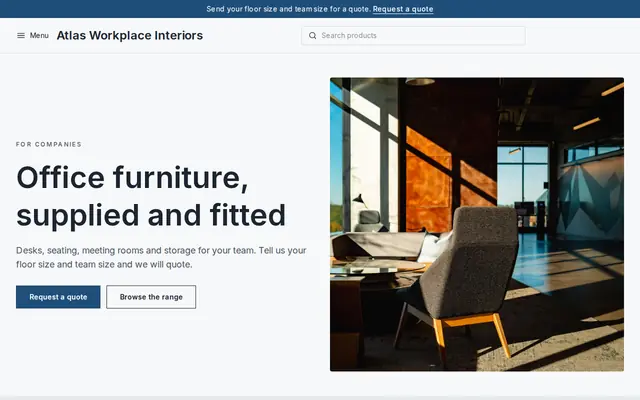
Made for Office suppliers, Fit-out companies, B2B services
Modern and confident for B2B services and fit-outs.
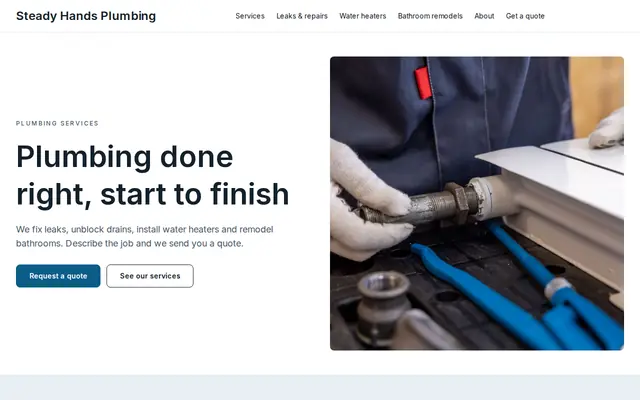
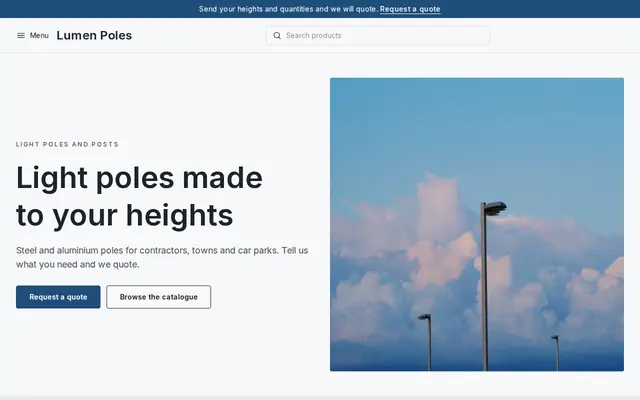
Made for Manufacturers, Suppliers, Contractors
Crisp and industrial for suppliers who sell on quotes.
Advice
Whatever you build it with, these are the things that turn visitors into customers.
Many states license general contractors and some, like California, require the license number in advertising, websites included. Put it in the footer and link to the state’s license lookup.
Homeowners worry less about your craft than about being left in the dark. Say who their contact is, how often they’ll hear from you and how changes to the plan are priced and agreed.
Say how far ahead you’re booking and how long a typical kitchen or bath takes, including permit waits. Realistic timelines win the trust that optimistic ones lose by week three.
A budget range question saves both sides a wasted site visit. Say on the form why you ask: so you can suggest what’s possible, not so you can spend all of it.
Name projects like “Mid-century ranch kitchen, Westgate”. People search “kitchen remodel” with their town, and a nearby project in a house like theirs is the strongest proof.
How it works
A sentence or two is enough: what you do, who it’s for and how people buy from you.
Cornerrr writes your pages, adds your products or services, and picks the colours, fonts and look. It takes about a minute.
Link a Stripe account, or create one in a few minutes. Your customers pay you directly.
Publish on your free Cornerrr web address, or use your own. Change anything later by asking.
Payments
Payments go through your own Stripe account, straight to you. Your customers see the methods you turn on in Stripe that work for their country and currency.
Selling in Europe or the US? United States, United Kingdom, Germany, France, Netherlands, Ireland and every country we cover.
Pricing
Build and preview for free, no card needed. Every paid plan starts with a 14-day free trial, and Cornerrr adds no transaction fees.
Build your website and try everything before you go live.
$0free
Go live and start selling.
$19a month
Most popular
For growing businesses with subscriptions and deliveries.
$49a month
For several stores and bigger catalogues.
$99a month
Questions
Your license number, the projects you take on, case studies with photos, your process, the area you cover and a quote form. Cornerrr builds those pages from a short description, and you add your own photos.
Ask a few qualifying questions on the form, such as scope, budget range and start date, and show more of the projects you want. Fewer, better-fitting requests save you site visits.
Exact prices rarely hold for remodels. Some contractors explain what drives the cost, others leave it to the first meeting. Either way, say how you quote and what a quote includes.
Yes. Give each its own pages and request form, so a shop owner and a homeowner each see work like theirs. Requests from both arrive in the same Inbox.
No. You describe your business in your own words and Cornerrr builds the website. Afterwards you change things by clicking, or by asking the assistant in plain words.
Building and previewing your website is free, with no card needed. To go live and take payments, choose a plan from $19 a month. Every paid plan starts with a 14-day free trial; a card is needed to start it.
Describe your business and see your website in about a minute. It’s free until you go live.