Preview
Build your website and try everything before you go live.
$0free
Website builder for distributors
Tell Cornerrr which brands you carry, where you deliver and who buys from you, and it builds a distributor website: a page per brand, product lines with part numbers, your branches and a quote form that sends requests to your Inbox.
What you get
Cornerrr writes every page from your description, then you change anything by clicking or by asking.
A page listing every brand you carry, grouped by category, with what you stock from each. Contractors check it before they call, and manufacturers looking for a distributor in your area find you.
Key products as pages with the brand, the manufacturer part number, pack quantity and spec details in the description, marked “price on request” when your price depends on the account.
A contractor pastes a materials list into the request form’s message with the quantity and job location, and it lands in your Inbox for your counter or inside sales team to price.
Consumables that sell every day, such as connectors, tape or fixings, can be listed with prices and stock, so a small buyer pays by card and you send it with your next delivery.
Trade, wholesale and B2B
What you offer without a price, and quote requests with the quantities and details you need.
Requests from a product page arrive in your Inbox and by email with the product’s name, the contact’s company, location, quantity and message. You see at once what’s being asked for and answer by email.
Set up to five fixed delivery rates with delivery estimates, such as next-day local or a weekly regional run, and choose the countries you ship to. For parcels sent by carrier, you add the tracking number.
Turn on tax ID collection for business buyers and invoices for one-time orders, and let Stripe Tax work out sales tax or VAT once it’s active on your Stripe account.
Taking on a new line? Ask the assistant to add it to your brands page, write its page and list its first products, then apply the change when it reads right.
Ready-made themes
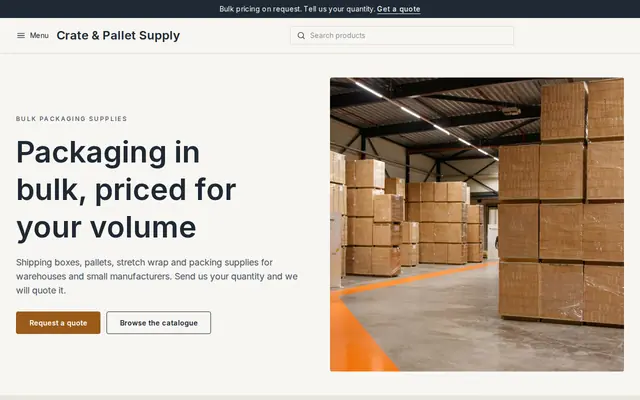
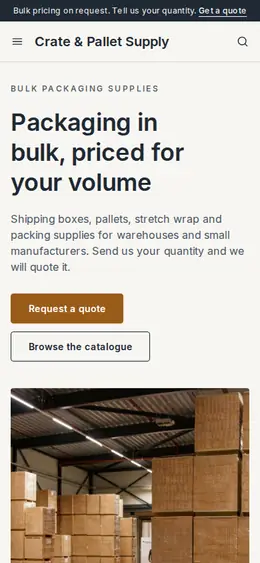
Made for Wholesalers, Packaging, Industrial supplies
Plain and efficient for wholesale and bulk orders.
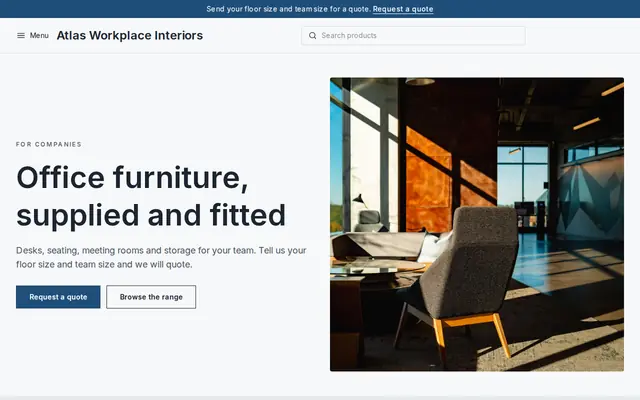
Made for Office suppliers, Fit-out companies, B2B services
Modern and confident for B2B services and fit-outs.
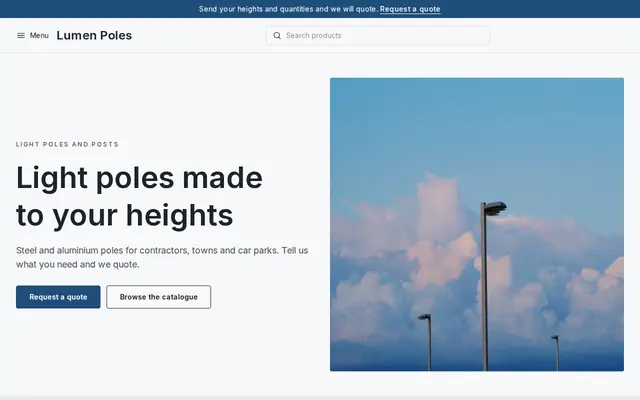
Made for Manufacturers, Suppliers, Contractors
Crisp and industrial for suppliers who sell on quotes.
Advice
Whatever you build it with, these are the things that turn visitors into customers.
Say which regions, towns or ZIP and postal codes you deliver to, and from which branch, on the home page and each branch page. Distribution is local, and buyers outside your area save themselves a call.
Buyers search for a brand and a part, often with a town name. A page per major brand with the lines you stock answers those searches far better than a page that just says “electrical supplies”.
Most distributor sales run through trade accounts. Say who qualifies, what you need from them and how long approval takes, and make the application form the first step.
Contractors plan their day around your counter hours and the order cut-off for next-day delivery. Put both on every branch page and on your Contact page.
When a manufacturer drops a product, say so on its page and name the replacement instead of deleting it, or redirect the old link to the new part. Buyers searching an old part number still find you.
How it works
A sentence or two is enough: what you do, who it’s for and how people buy from you.
Cornerrr writes your pages, adds your products or services, and picks the colours, fonts and look. It takes about a minute.
Link a Stripe account, or create one in a few minutes. Your customers pay you directly.
Publish on your free Cornerrr web address, or use your own. Change anything later by asking.
Payments
Payments go through your own Stripe account, straight to you. Your customers see the methods you turn on in Stripe that work for their country and currency.
Selling in Europe or the US? United States, United Kingdom, Germany, France, Netherlands, Ireland and every country we cover.
Pricing
Build and preview for free, no card needed. Every paid plan starts with a 14-day free trial, and Cornerrr adds no transaction fees.
Build your website and try everything before you go live.
$0free
Go live and start selling.
$19a month
Most popular
For growing businesses with subscriptions and deliveries.
$49a month
For several stores and bigger catalogues.
$99a month
Questions
Yes, on the Growth plan you can import products from a spreadsheet instead of adding them one by one, each with its own SKU, so your part numbers match your other systems. How many products you can list depends on your plan.
Not today. A product shows the same price to everyone, or no price when it’s marked “price on request”. Distributors with account pricing usually keep those lines on request and quote from their own system.
Yes. Add a “Become a supplier” page with a request form. Messages land in your Inbox like any other request, with the company name and a note about the line they make.
Yes. Every Cornerrr website works on phones, so a contractor can look up a part number and send you a quote request from the van.
No. You describe your business in your own words and Cornerrr builds the website. Afterwards you change things by clicking, or by asking the assistant in plain words.
Building and previewing your website is free, with no card needed. To go live and take payments, choose a plan from $19 a month. Every paid plan starts with a 14-day free trial; a card is needed to start it.
Describe your business and see your website in about a minute. It’s free until you go live.